Extract RuyiSDK Package
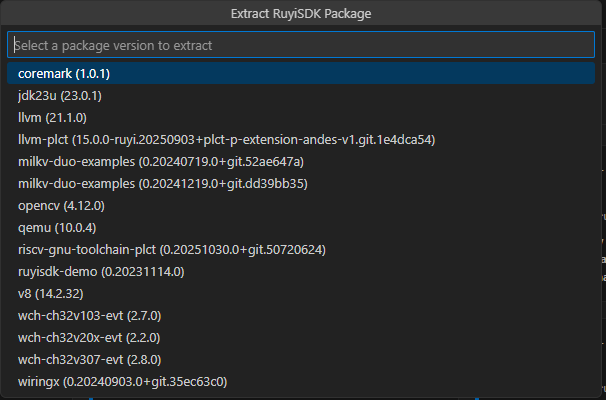
In the VS Code Explorer, right‑click the target folder and select Extract RuyiSDK Package to directly download and unpack official examples or source packages.
Typical Workflow
- Prepare a working directory, then right‑click and choose Extract RuyiSDK Package.
- Select the package to extract (e.g.,
coremark,ruyisdk-demo). - After extraction, follow the project’s README to build and run.
Tips
- It is recommended to first install the required toolchain in Packages, then create and activate a virtual environment before building.
- For build examples, seeCoreMark (Example: LicheePi 4A).
- For flashing or image deployment, refer to the relevant cases in the Ruyi Package Manager documentation. The extension does not currently provide a flashing wizard.